Existing customer? Sign in
Stocktakes in Floware: Split the work, and the accountability

Most operations managers can describe the exact moment a stocktake started losing them money. The shelf count for product A4 was off by 40 units in March. The team did a full warehouse recount on a Saturday and brought everything back into line. By June it was off again. The root cause was never found, the operating habits never changed, and the only thing that updated was the rolling cost of three weekends a year spent counting.
There are three reasons stocktakes turn into this kind of running tax on a business. The scope is always wrong. The counter is told the answer before they count. And one person does the whole thing, which means no one cross checks anyone.
Floware's stocktake module is built around fixing those three things specifically. Here is how each one works.
Count what matters, not everything
The first failure mode is treating every stocktake as a full count. Once a quarter you shut the warehouse, count everything, and reconcile. The cost is high, the disruption is high, and the result is a single snapshot that goes stale within days.
A cycle count flips this. Instead of counting everything once a quarter, you count something every week. One product family on Monday. One warehouse location on Tuesday. The fast movers more often than the slow ones. The system stays accurate by being checked continuously, not all at once.
Floware supports this by letting the manager pick the scope at creation time. A whole warehouse if you need it, a single warehouse location if you are running zone counts, or a specific list of products if you are checking just the items that worry you this week.
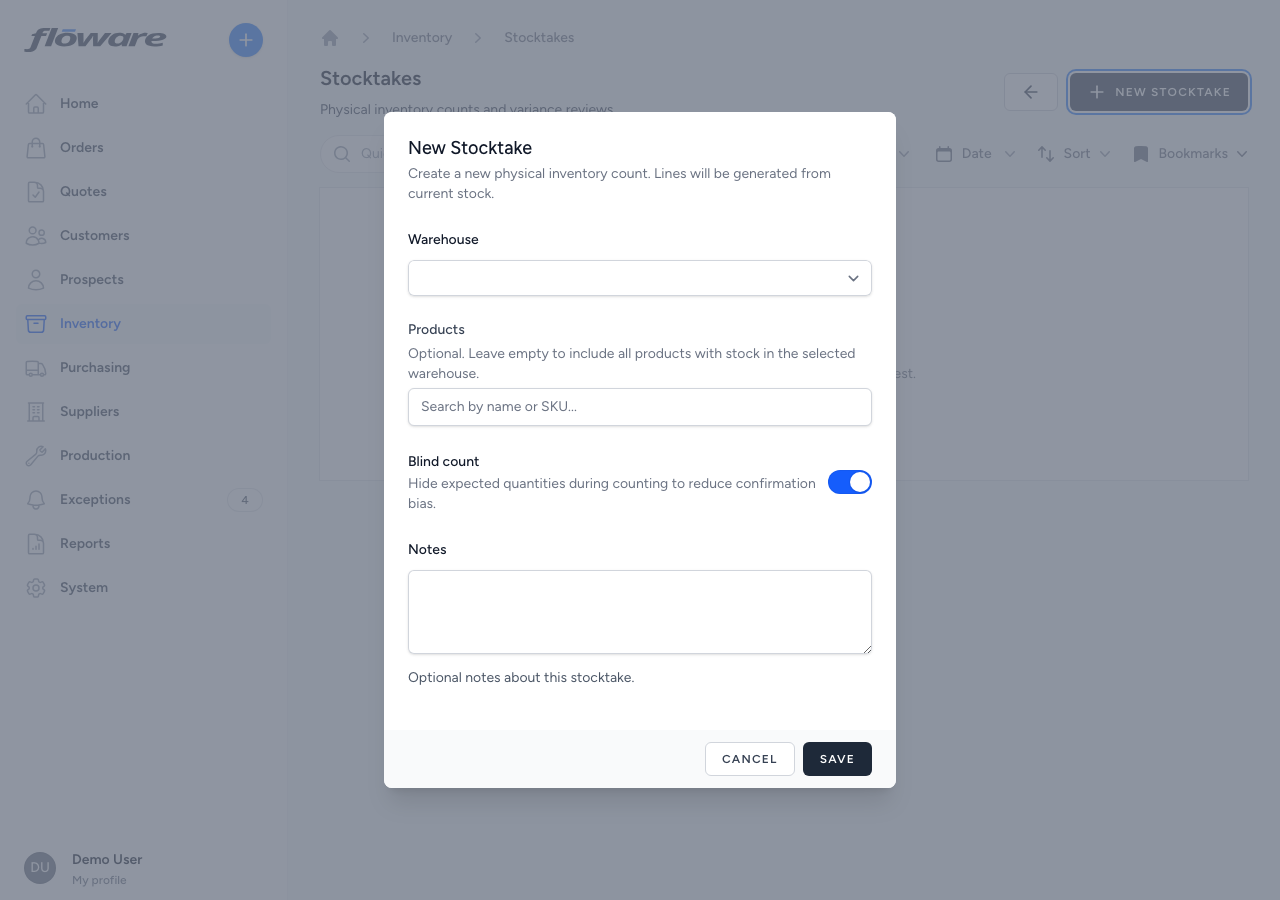
That last option is what makes cycle counts practical. You can drop in on the five products that have moved the most this month, count just those, and clear any drift before it compounds. The whole exercise takes 20 minutes instead of 8 hours.
Your business is unique — your software should be too. Let's talk about a system built around how you actually work.
Book a free demoStop telling the counter the answer
The second failure mode is confirmation bias. If the system tells the counter "we should have 120 of these", the counter looks at a roughly 120 shaped pile and writes down 120. Sometimes there are 117. Sometimes there are 124. Almost never does the count come back as exactly 120 in real life, but the count screen has a way of making that happen anyway.
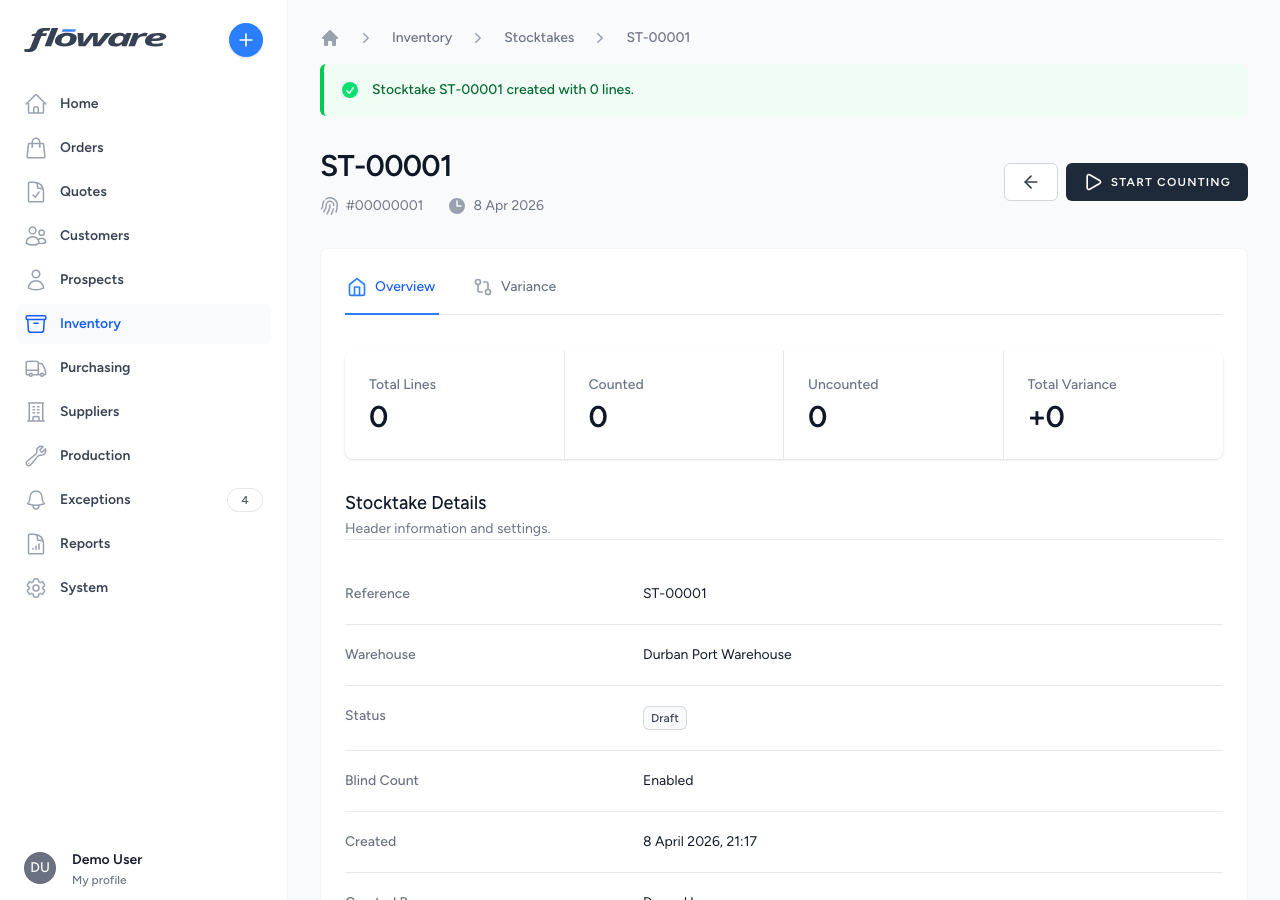
Blind counts solve this by hiding the expected quantity. The counter sees the product, sees the line, and records what they actually find on the shelf. No anchor. No hint. The variance is calculated after the count is saved, and only then does the operator see whether they were over or under.
It is a per stocktake toggle, chosen by the manager at creation. Most teams turn it on by default. Some leave it off for trusted spot checks. The toggle lives next to the warehouse selector, on by default, one decision per cycle.
The point of blind counts is not to catch the counter doing something wrong. It is to make sure the counter is counting, rather than verifying. Those are two different activities, and the system should not collapse them into one.
You shouldn't need to find workarounds.
Let's build the software so you won't have to.
Split the work, and the accountability
The third failure mode is single person stocktakes. One person creates the stocktake, runs the count, reviews the variances, and applies the adjustments. From a pure efficiency standpoint, fine. From a governance standpoint, it means there is no second pair of eyes anywhere in the process, and the same person who decides what to count also decides what the answer is.
Floware splits this into three permission keys. manage stocktakes lets a manager create, start, complete, and cancel. count stocktakes lets a stock controller record counts but nothing else. view stocktakes lets a finance user see the results without touching them. The keys are independently mappable, so you can give your warehouse staff the count permission without giving them anything else.
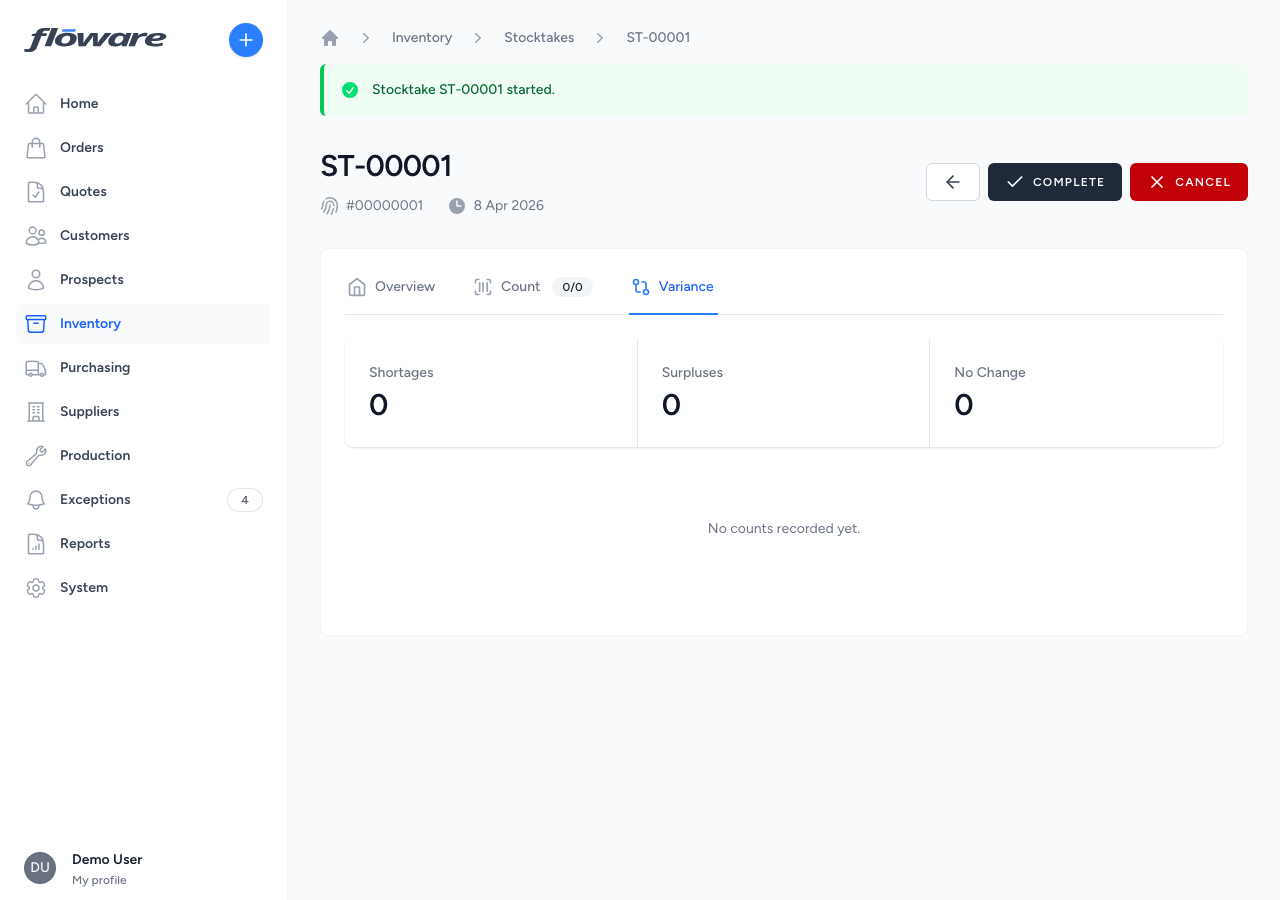
In practice the workflow looks like this. The operations manager opens the web app and creates a stocktake for the slow moving section of warehouse 1, blind count on, scope set to those eight products. She taps Start. The status moves to In Progress. She walks away.
A stock controller picks up the warehouse mobile app, logs in, and opens the Stock Take action. The stocktake she just created is in the open list. He taps it, walks to the shelves, and scans each product. The scanner increments the line by one for each scan. He can adjust manually with plus and minus, set a reason code on any line (damaged, miscounted, short picked), and add a free text note. When he is done he taps Confirm Counts.
The next morning the manager refreshes the stocktake on the web. She sees what the controller counted, what the variances are, and which lines have reason codes attached. She reviews. She taps Complete. The system creates a stock adjustment for every variance in a single transaction, each one linked back to the stocktake line that produced it.
Three people, three decisions, three layers of accountability. The controller cannot ship adjustments without a manager. The manager cannot fabricate counts without a controller. The finance user can audit the lot without touching anything. None of this requires a workflow engine or a custom approval chain; it is built into the permissions.
The month end implications
What this changes downstream is the conversation at month end. Today, when the finance manager asks why stock is off by R47,000, the answer is usually a shrug and a promise to look into it. After three quarters of zone by zone cycle counting, the answer becomes here are the seven stocktakes from the past month, here are the variances we found and the reason codes attached, and here is the journal entry for each adjustment. The pattern shows up in the data, not in someone's memory.
That is the actual win. Not the saved weekends, although those are real. It is the conversation that used to end with "let me get back to you" now ending with a number, a date, and a reason.
If you want to see this in action, the live demo runs the full handoff. Manager creates, controller counts on a phone with a scanner, manager reviews and signs off.
Run your business, your way.
Your business is unique, but your software is off the shelf? Ditch the workarounds and let's build your ERP systems to fit your teams.